
Instagram is about sharing images that either portray your own memories or those of your friends and family. Either way, losing access to that due to your account being hacked can be extremely annoying.
Many people now use Instagram as their primary social network. So, on top of your shared images you can also lose all your contacts. If you’re someone who uses Instagram for professional reasons like marketing your own brand or business, the loss can be even more notable.
Here is what you can do to recover a hacked Instagram account and some measures that you can take to prevent it from happening in the future.
How Can Someone Hack Your Instagram Account?
Typically it’s not very easy to hack your Instagram account. It’s only possible if the hacker gets a hold of your contact information, such as your email address, phone number, and password. There are a few different ways they can get those.
The obvious one is a weak password. If you use an obvious or weak password, a hacker may simply guess it. If you use the same login credentials for more than one service, a hacker might get your details through a different platform. Since password breaches are quite common, it’s good to check if you’ve been hacked from time to time even if you don’t notice any signs of it.
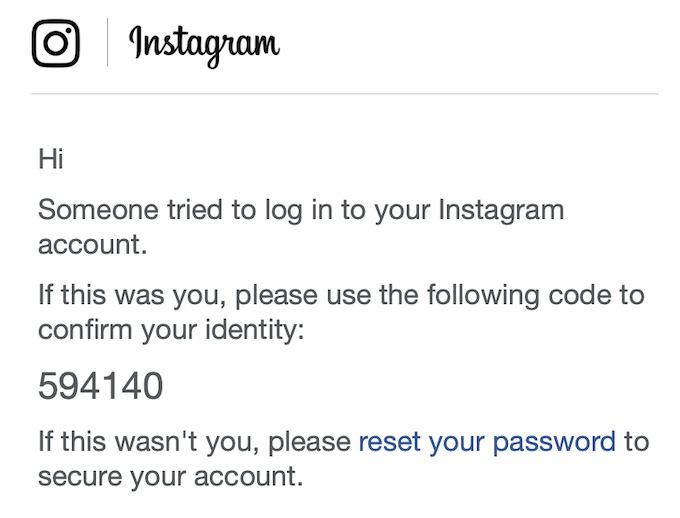
Another popular way the scammers use to get their hands on your information is through a phishing attempt. You follow a link that’s been sent to you through an email or elsewhere, enter your login and password, and those details get sent to a hacker. Always check you’re on the right domain before you enter your details. For Instagram it’s www.instagram.com.
How Do You Know If You’ve Been Hacked?
Once the scammers get your Instagram details, they will normally change the email and phone number, as well as your username. The next step is demanding a ransom to return your Instagram account back to you.
Unfortunately, even if you agree to pay the sum, there’s a big chance they will delete your Instagram account anyway.
How To Recover A Hacked Instagram Account
The most important thing here is to act fast. According to Instagram, it becomes almost impossible to recover your account after 14 weeks since the moment you lose access to it.
If you notice that you’re logged out of your Instagram account and can’t seem to log back in, follow the steps to recover the hacked Instagram account.
Recover Your Hacked Instagram Account Via Email
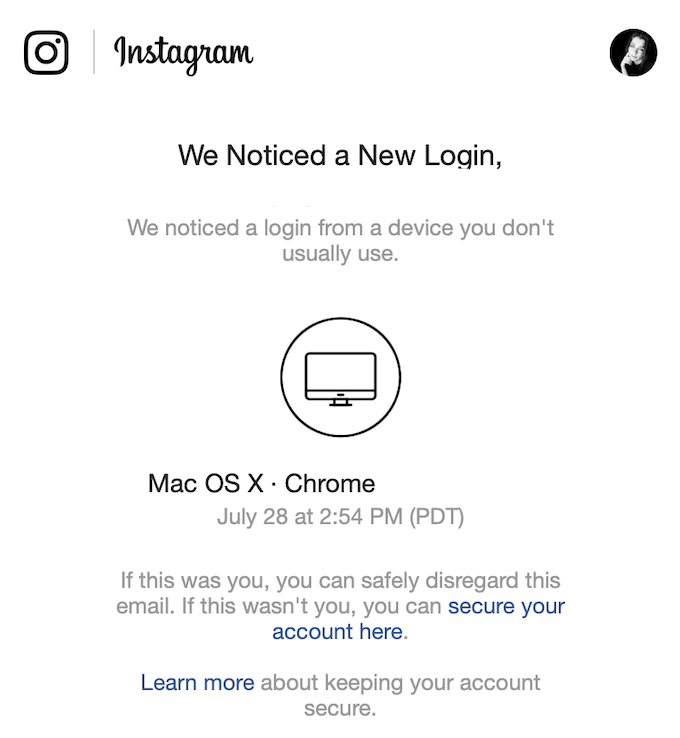
Check your email for a message from Instagram. If your account was hacked, you’ll find a new email about a suspicious activity from your account, or your account details being changed.
If you act quick, you may be able to revert this change using the link provided in that email. Then log into your Instagram into your Instagram account and change your password. If that doesn’t work, go to the next step.
Request a Login Link From Instagram
If you still can’t log into your Instagram account, you can get Instagram to send you a login link to your email address or phone number.
- Go to the Instagram login page.
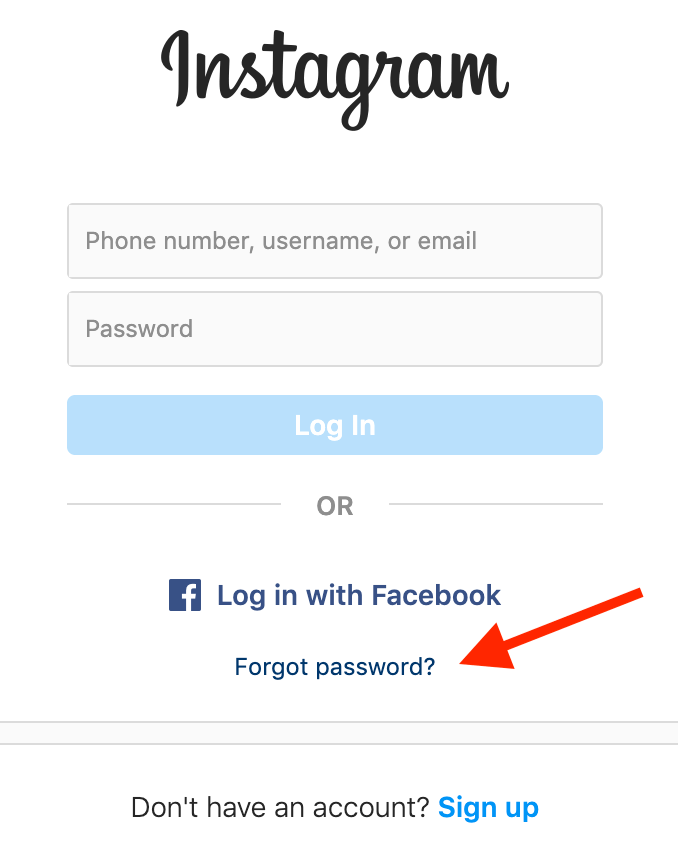
- Click Forgot password? (iOS) or Get help with signing in (Android).
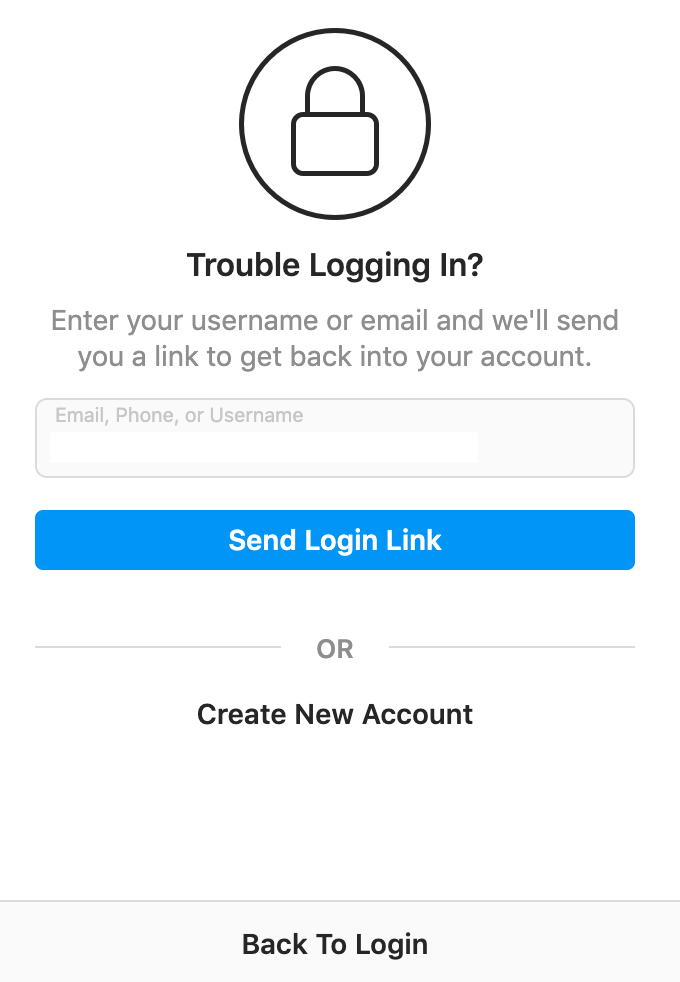
- Next you’ll be taken to the Trouble Logging In? (iOS) or Login help (Android) page.
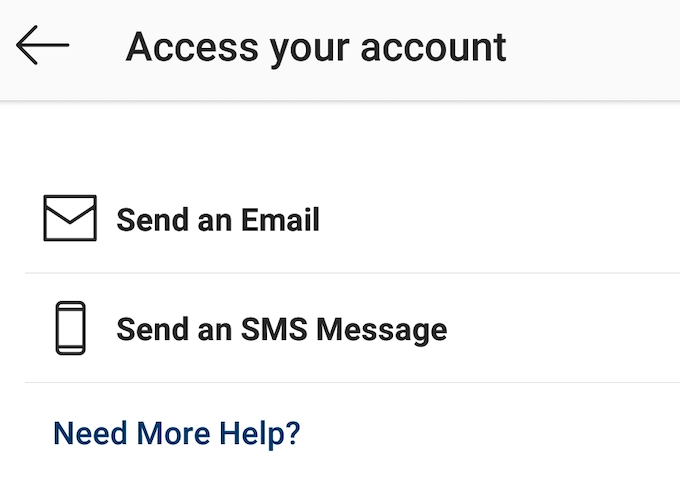
- Enter your email address or your phone number to get the link and click Send Login Link (iOS) or Next (Android).
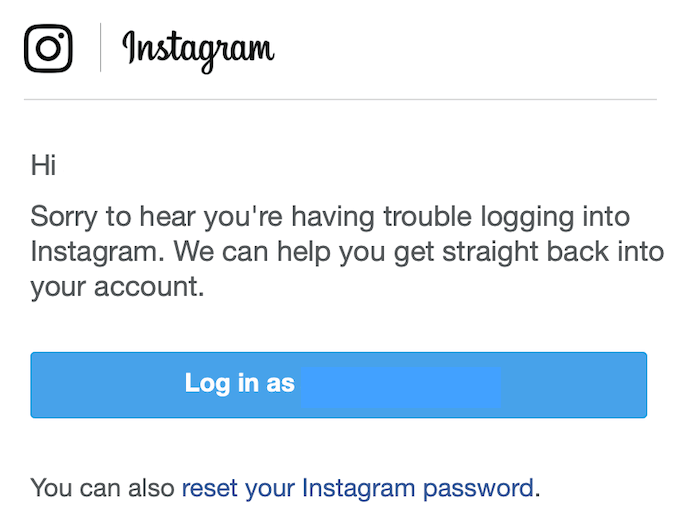
- When you receive an email or an SMS message from Instagram, you can use the login link to access your account. Make sure to change your password after you log back in.
Recover Your Instagram Account With a Security Code
If the login link method falls through, you can try and recover your hacked Instagram account using a security code.
- On the Instagram login page, click Forgot password? (iOS) or Get help with signing in (Android).
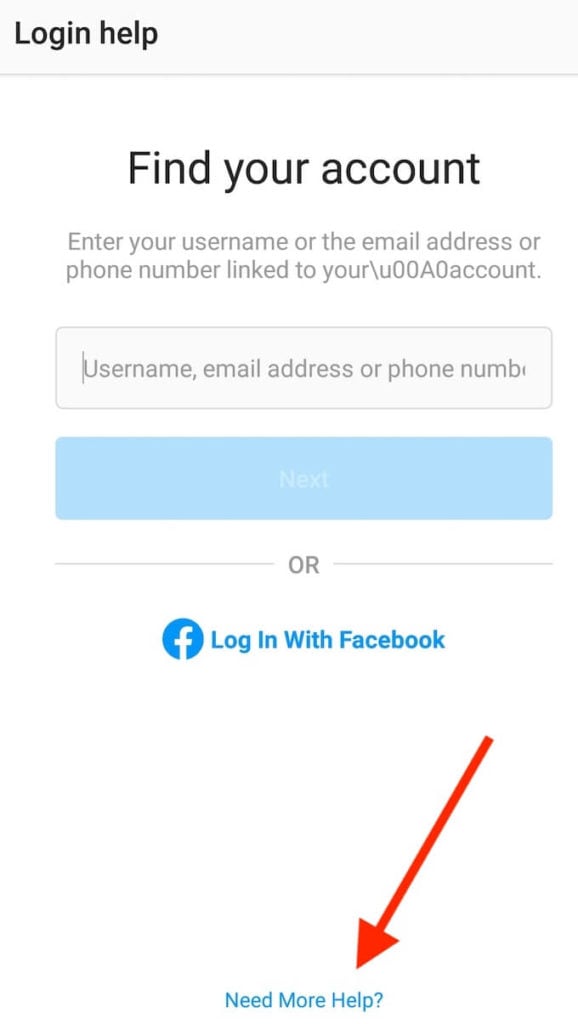
- At the bottom of the next screen, click Need More Help?
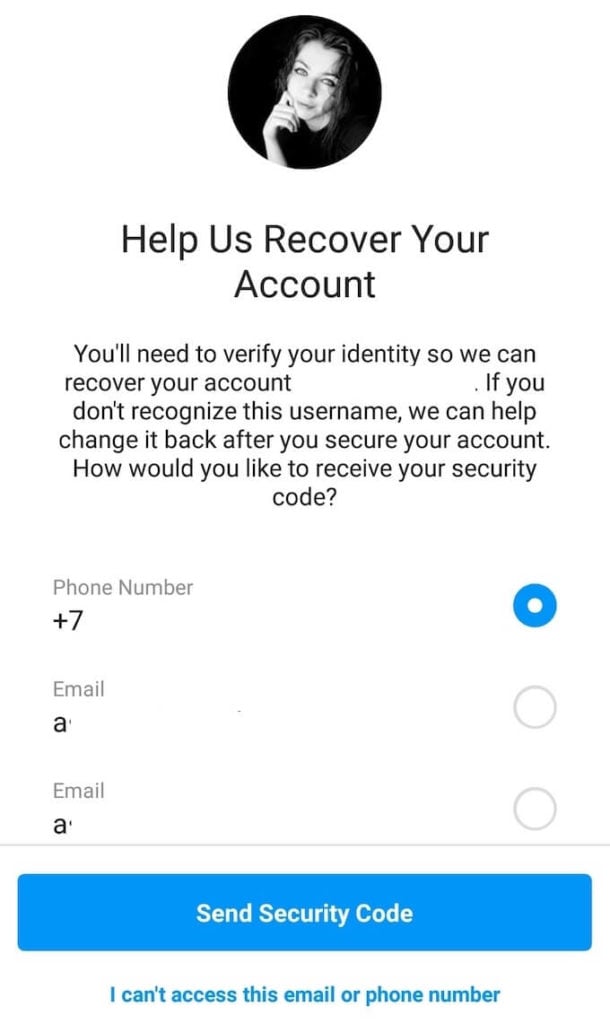
- Select an email address or a phone number where you want to receive the security code from Instagram. Then click Send Security Code.
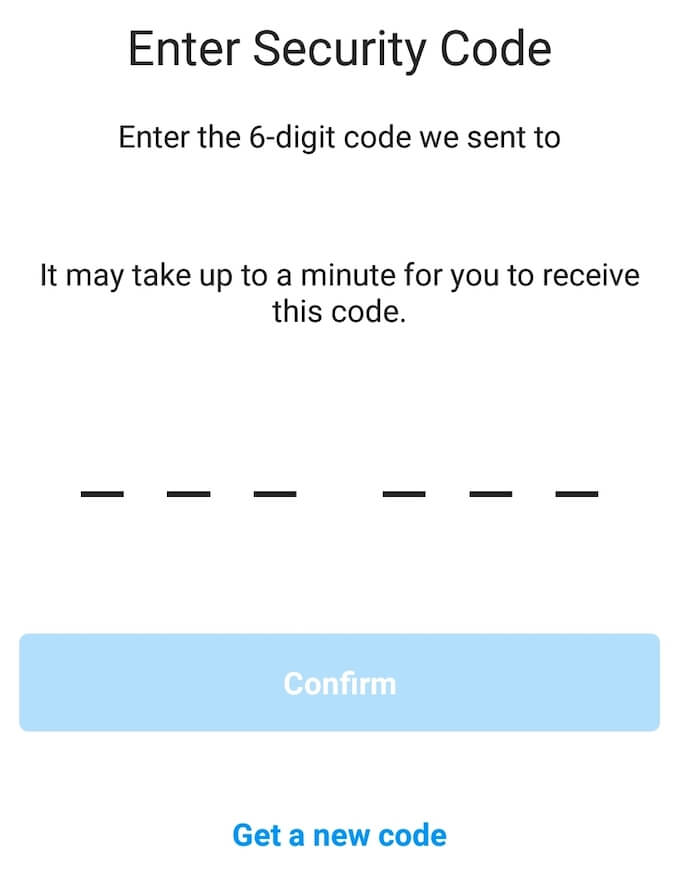
- On the next screen, enter the code from the message and click Confirm.
Report The Hacked Account To Instagram
If all of the above fails, your last option is to report your account and request support from Instagram to gain back access to your account.
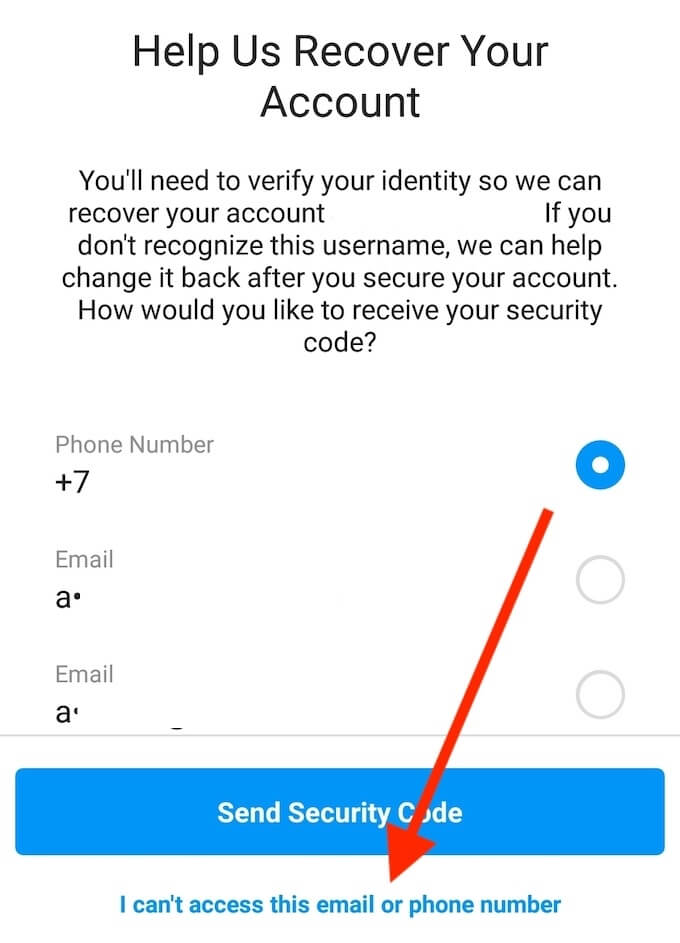
In order to do that, go to the Help Us Recover Your Account screen. This time though instead of requesting the security code, select I can’t access this email or phone number.
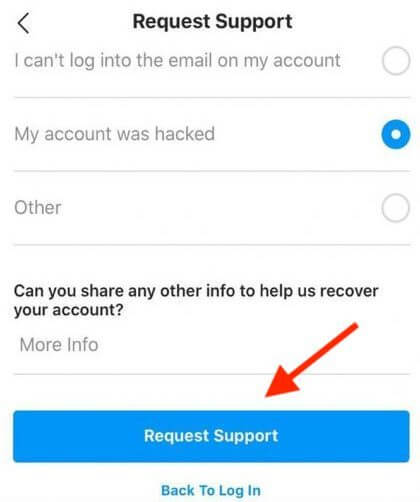
On the next page, fill in the form with your account details, select My account was hacked and click Request Support.
Verify Your Identity
When you hear back from Instagram, you’ll be asked to verify your identity. One way to do it is by taking a selfie for Instagram.
The platform will send you a code, and you’ll need to take a picture holding a piece of paper with the code on it. The staff will then check the picture against your shared photos and determine whether you’re the rightful owner of the account.
How To Secure Your Instagram Account
The best way to protect your Instagram account from hackers is to take the following security measures.
Use a Strong Password and Change It Frequently.
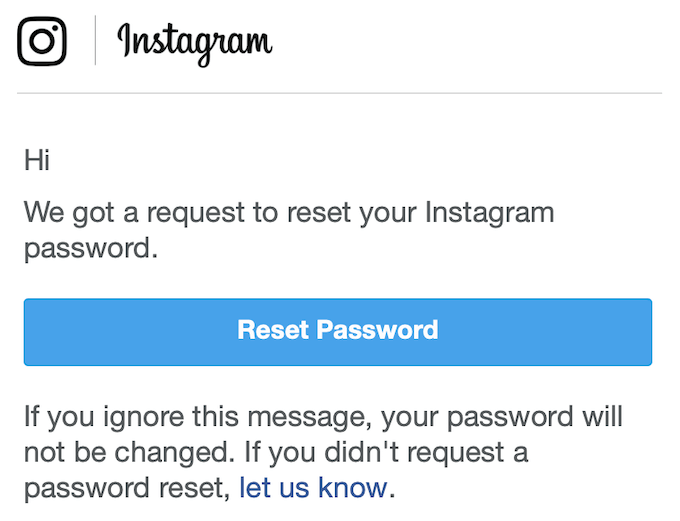
Using a unique strong password for your Instagram account can go a long way and make it more difficult for scammers to get a hold of your account details. Use a password manager if you struggle remembering login details for different networks.
Enable Two-factor Authentication on Instagram.
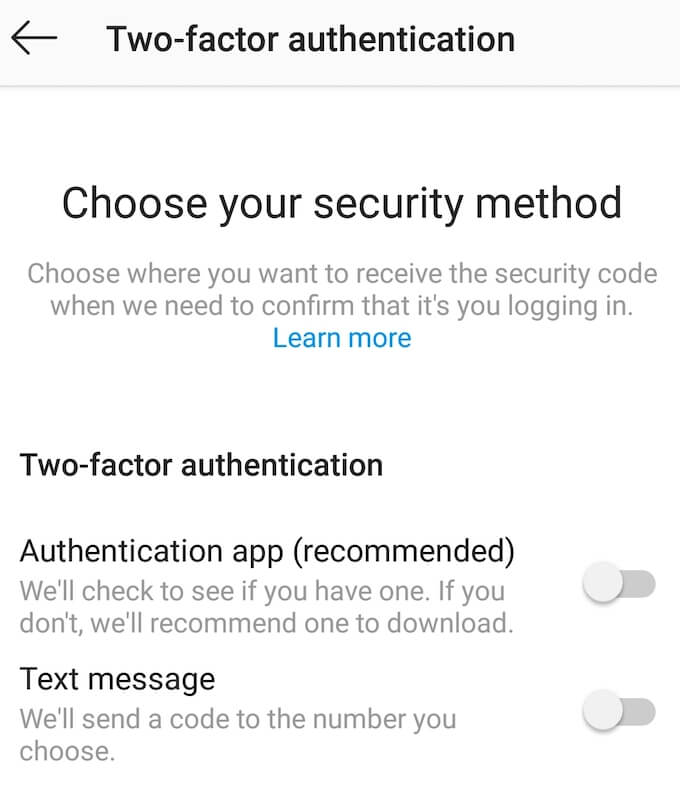
Setting up two-factor authentication will also strengthen the security of your account. After you turn it on, when you login you’ll be asked to enter a security code sent to your phone number on top of your Instagram password.
Revoke Access to Third-Party Apps.
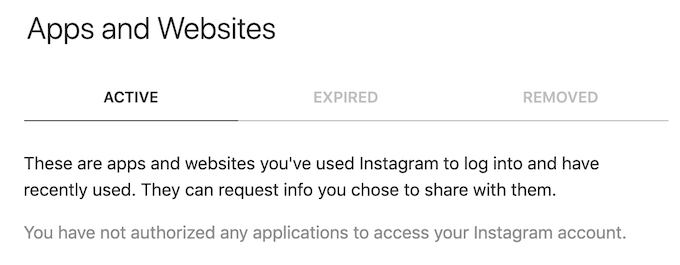
If you’ve ever used Instagram to log into third-party apps and websites that you don’t use anymore, make sure they don’t have access to your account information anymore.
To review those apps, follow the path Menu > Settings > Security > Apps and websites.
Make Your Instagram Difficult To Hack
Recovering your accounts after scammers get their hands on them can be very difficult and annoying. A more effective way to protect yourself from hackers is to take preventative measures in advance to secure your important accounts.
Have you ever had your Instagram account hacked? How did you manage to gain back the access? Share your Instagram knowledge with us in the comments below.